Isla automatically searches catalogues and the web for grants that match your charity. She reads funder websites, checks criteria, and brings back the most relevant opportunities.
- 1Scans run automatically on a schedule set by your plan — there is no button to press.
- 2Isla searches across 27,000+ monitored UK funding sources and matches them against your profile and keywords.
- 3New candidates land in Quick Matches; funders verified at 80%+ surface on Today.
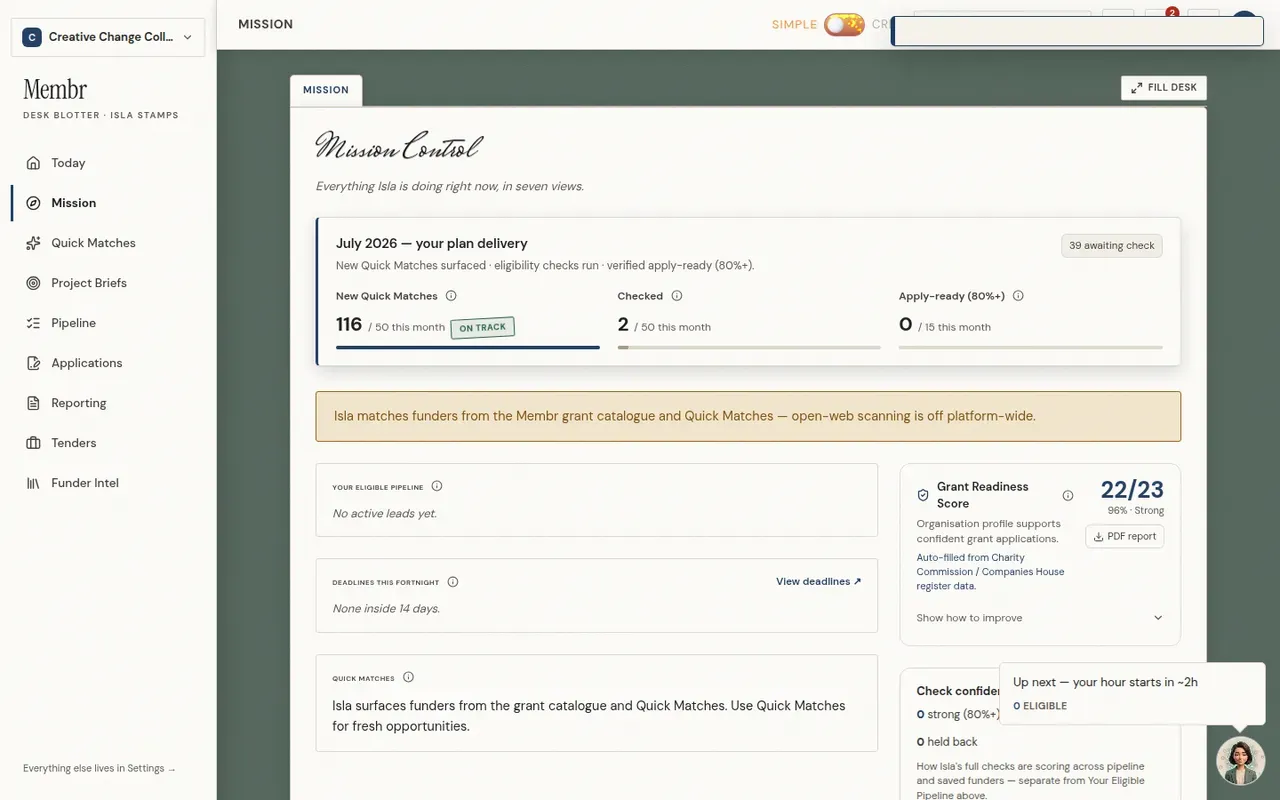
- 4Follow progress via the scanner status on Mission, or the Isla widget in the corner.
TipYou control the search terms under Settings → How Isla works → Scan keywords — add your own, or ask Isla to suggest keywords from your website.