Project Briefs match grants to a specific project (location, budget, themes) — powered by your charity profile.
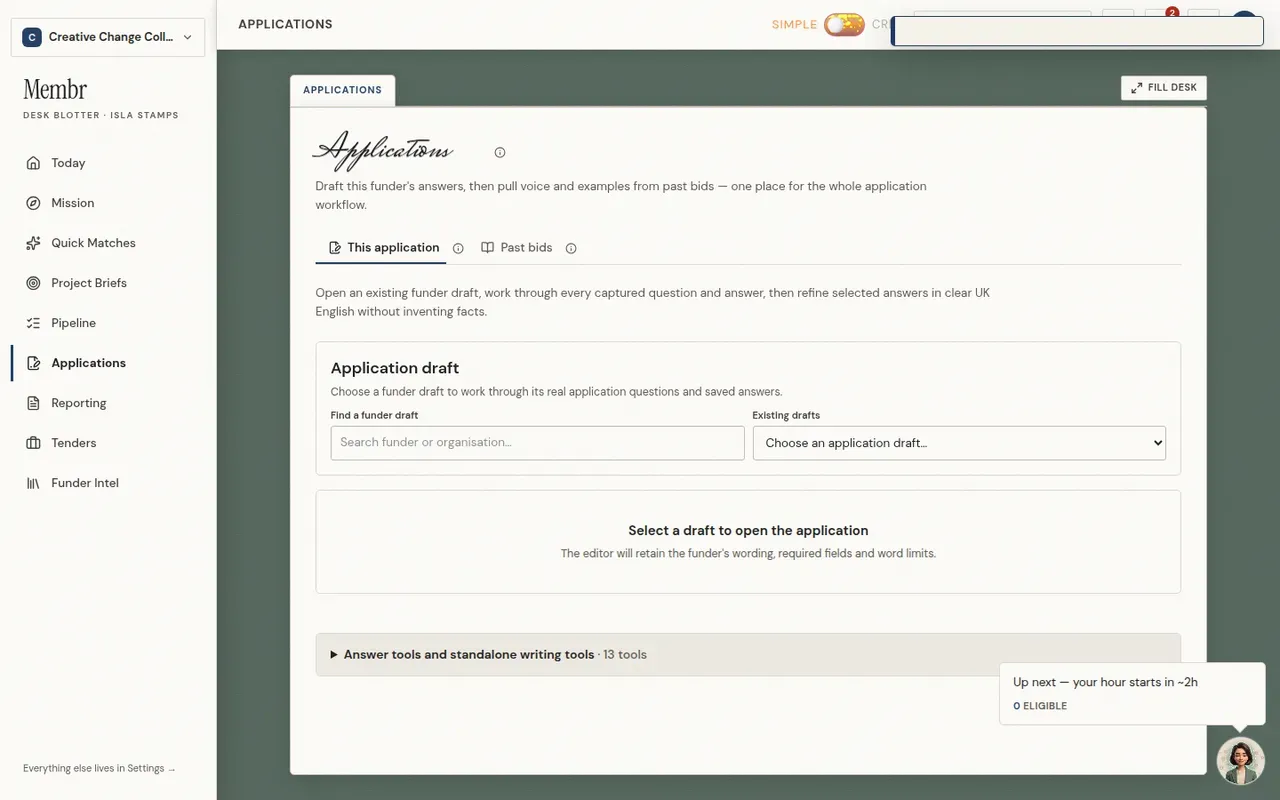
Applications is the drafting studio plus your bid library — draft answers with Isla under This application, or search past bids and uploads under Past bids (Drive, PDFs, indexed sections Isla reuses for voice).
- 1Open Applications from the sidebar (desktop) or the More tab in the bottom bar (mobile).
- 2Use This application to draft answers, or Past bids to search and manage uploads.
- 3Connect Google Drive or upload PDFs from a lead's Applications tab.
- 4Isla uses indexed sections when you humanise or refine answers.