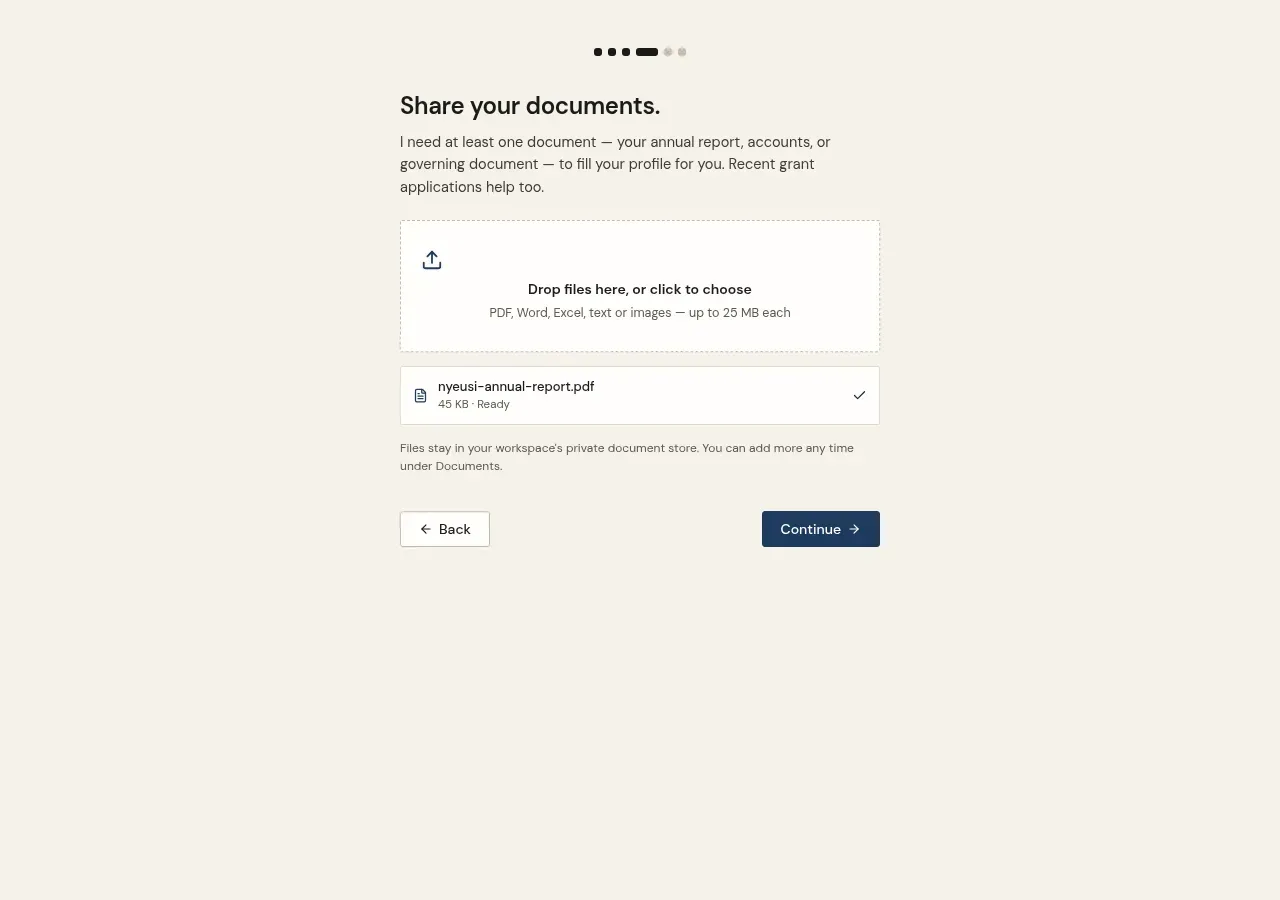
- Upload during onboarding, or from a lead's Applications tab (past bids)
- In the CRM view, the Uploads area lists every file with previews, folders, and search
- Deleting a file removes it from the store — and your full data export includes every document you've uploaded