Settings → Account → Danger zone→ Delete account. You'll confirm with your password and by typing DELETE. It is permanent — here is exactly what happens:
- Destroyed: your login, and every workspace where you are the only member — charity profiles, pipeline, drafts, uploaded documents, bid library, notifications
- Survives: workspaces with other members — ownership passes to a teammate and only your membership is removed
- Your email is freed immediately, so you can sign up fresh later if you change your mind
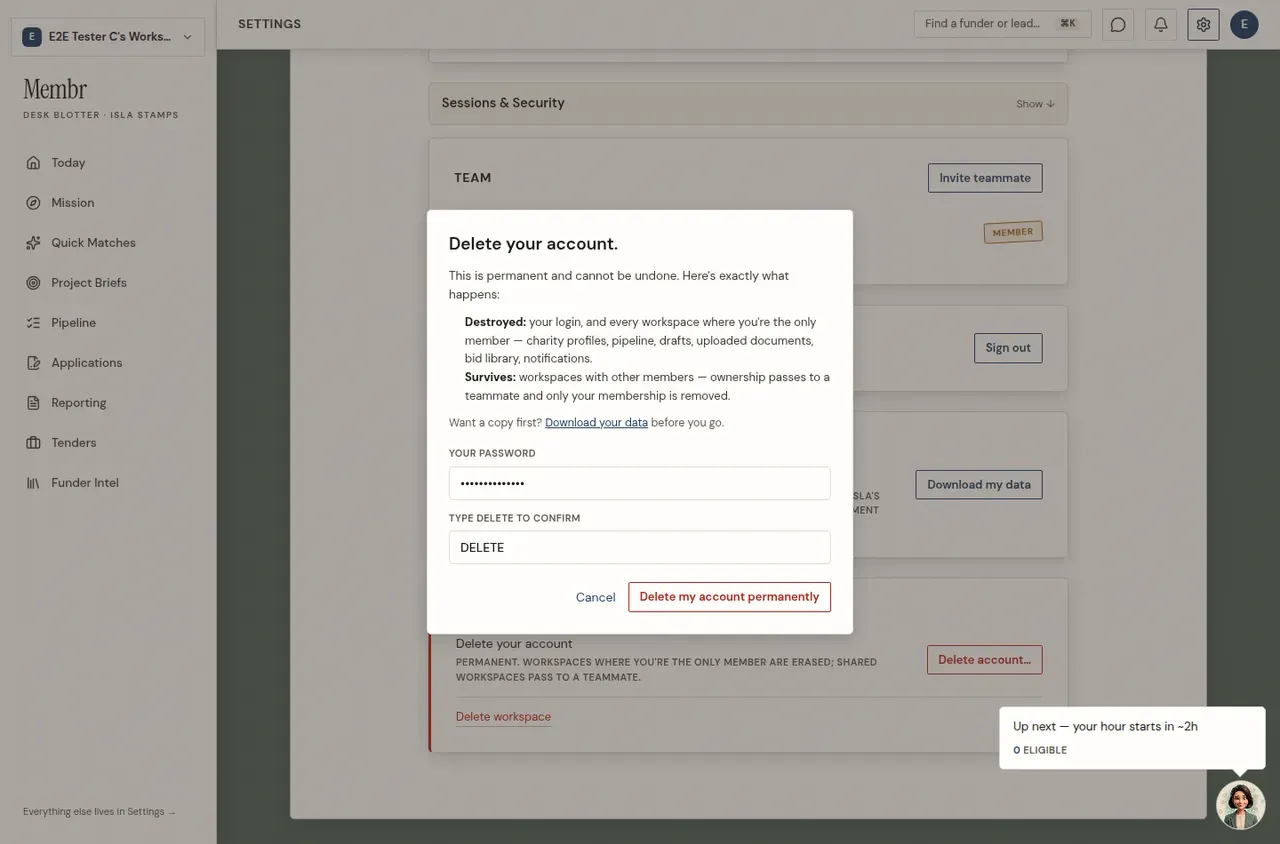
TipDownload your data first — the delete confirmation offers a one-click export before you go.